A vocabulary for real parts.
Extrude, revolve, loft and sweep. Add bosses, pockets, holes, fillets and patterns. Keep the design intent in the feature history.
Sketch → feature → solidBuild editable 3D parts with code and AI tools. Preview a change, check the dimensions, and keep shaping your design.
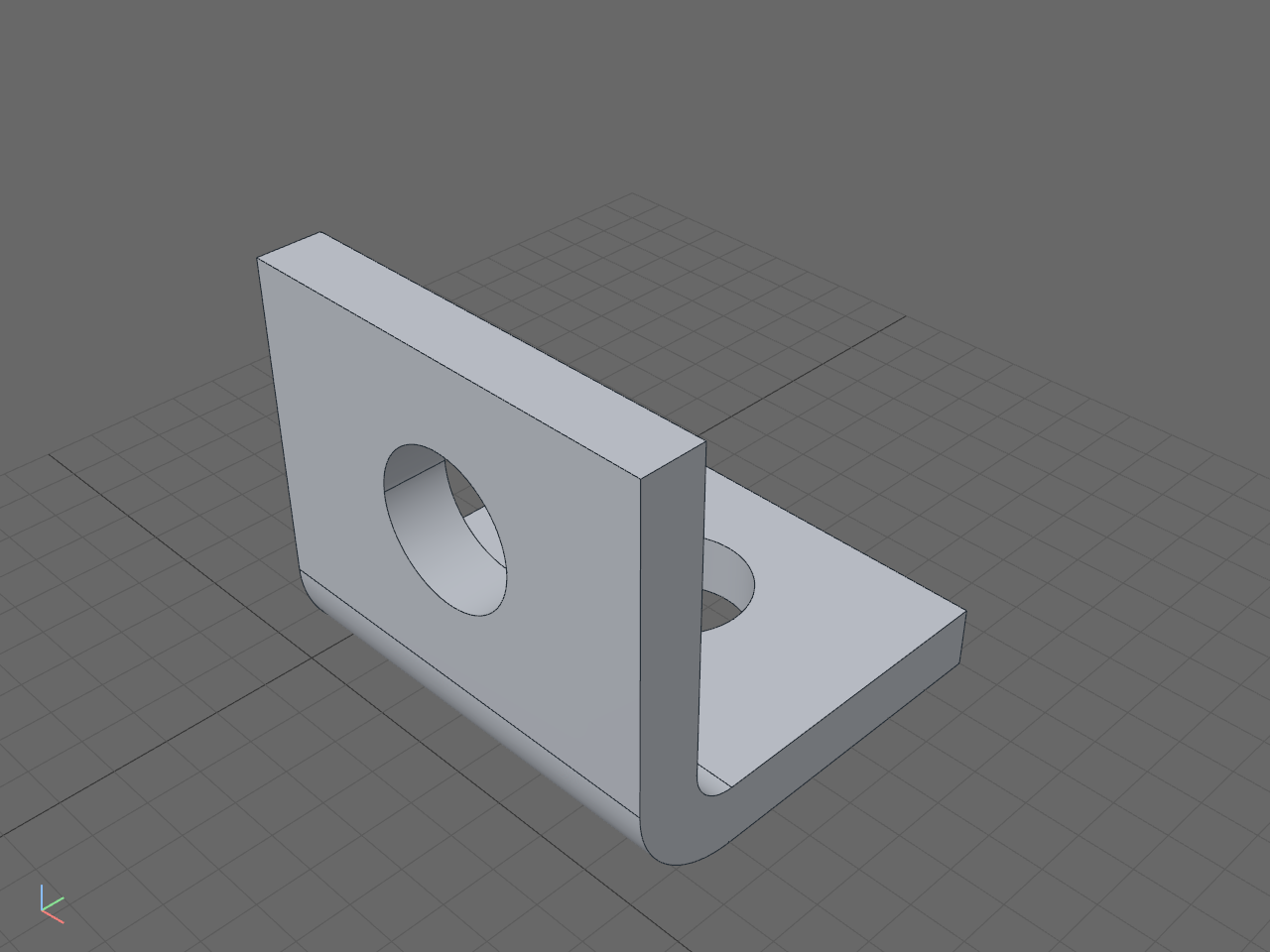
Rounded bend · two through-holes
For the space between
“what if” and “there it is.”
Every feature has a reason.
Every change leaves a record.
Extrude, revolve, loft and sweep. Add bosses, pockets, holes, fillets and patterns. Keep the design intent in the feature history.
Sketch → feature → solidCheck solid validity, volume, extents and clearances. Preview a transaction before committing a revision.
Dry-run → inspect → commitUse the CLI or connect an agent over MCP. Export validated STEP files and meshes for the tools that come next.
CLI + MCP · STEP + meshReal-world references, new parametric interpretations.
Pick a study to bring its CAD model into the playground.
Studies are simplified interpretations with chosen dimensions, not manufacturer replicas. Photography & credits
Every model in this playground was built by Ringwright’s Open CASCADE backend. The solid and exported STEP file were both checked.
Inspect the evidenceGive your engineering agent the tools to find it.
Explore on GitHubcargo build -p ringwright